
Are There Minecraft Auto Click Mods? The Ultimate Guide to Automation
Let’s be real—Minecraft is a blast, but some tasks are just a total grind. Whether you're trying to clear a massive underground perimeter, sitting at a mob farm for hours, or just trying to win a click-heavy PvP duel, manual clicking can wear you out fast. It’s no wonder so many players ask: Are there Minecraft auto click mods?
The short answer is a resounding yes. From internal game mods to simple mobile and desktop apps, there are plenty of ways to automate your clicks in 2026. In this guide, we’re breaking down the best options for Minecraft automation and how to stay safe so you don't get banned from your favorite servers.
---
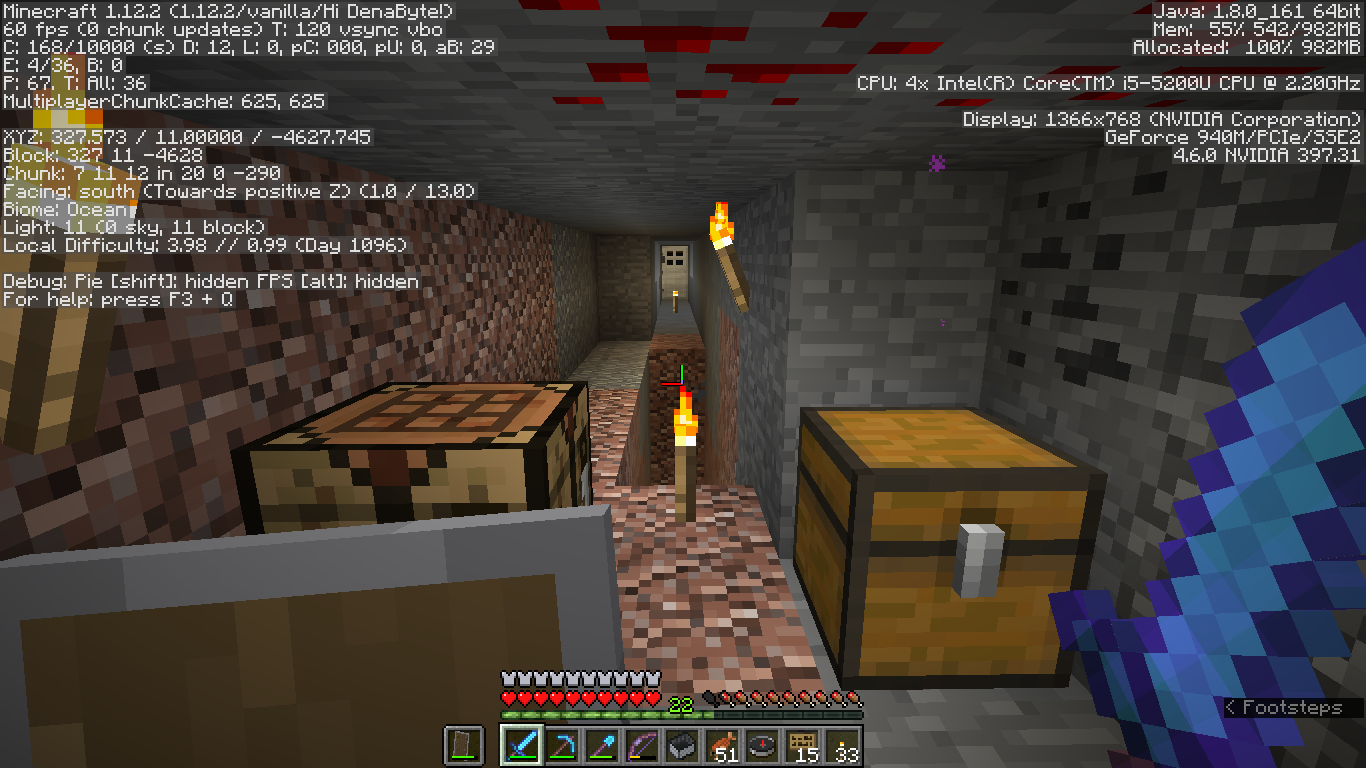
Repetition is a core part of Minecraft, but that doesn't mean it has to be manual. An auto clicker lets you handle the boring stuff while you focus on building and exploring. Here’s how pros use them:
1. AFK Farming: Automated mob grinders or gold farms need consistent clicking to harvest drops and XP while you're away from your screen. 2. Resource Grinding: If you've got a cobblestone or basalt generator, an auto clicker lets you mine 24/7 without lifting a finger. 3. PvP Combat: In some versions of the game, hitting a specific Clicks-Per-Second (CPS) can give you a major edge in battle. 4. Saving Your Hands: Repetitive Strain Injury (RSI) is a real risk. Automating clicks is a smart move for your physical health, especially during long gaming sessions.
---
When you're looking for solutions, you'll find two main paths: In-game mods and External software.
---
---
Safety comes down to where you play. Automation is a powerful tool, but it can get you in trouble if you aren't careful.
Single Player & Private Servers: Usually 100% fine. If you’re playing with friends, just ask! Most survival servers don't mind clickers for AFK farming.
Big Competitive Servers (like Hypixel): Use extreme caution. Their anti-cheat systems are designed to catch 'perfect' clicking patterns. If you use a clicker here, always enable a 'Randomized Interval' in your settings to make the clicks look more human.
Technical Safety: Only download apps from reputable sources. Avoid '.exe' files from random forums—stick to official stores or well-known developers to keep your device malware-free.
---
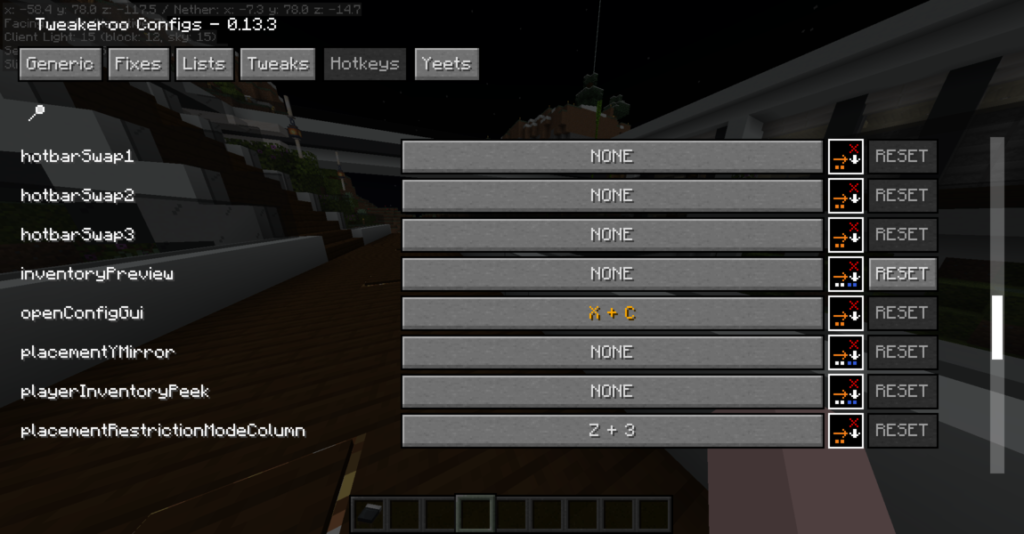
Whether you choose a complex mod like Tweakeroo or a simple, reliable app like Auto Clicker - Automatic Tap, automation is a game-changer for Minecraft efficiency. These tools let you skip the 'work' part of the game so you can get back to the 'play' part.
Just remember the golden rule: Respect the server you’re on. Use your tools responsibly, keep your clicking intervals realistic, and enjoy your newly automated Minecraft world!
The short answer is a resounding yes. From internal game mods to simple mobile and desktop apps, there are plenty of ways to automate your clicks in 2026. In this guide, we’re breaking down the best options for Minecraft automation and how to stay safe so you don't get banned from your favorite servers.
---
Why Bother with an Auto Clicker in Minecraft?
Repetition is a core part of Minecraft, but that doesn't mean it has to be manual. An auto clicker lets you handle the boring stuff while you focus on building and exploring. Here’s how pros use them:
1. AFK Farming: Automated mob grinders or gold farms need consistent clicking to harvest drops and XP while you're away from your screen. 2. Resource Grinding: If you've got a cobblestone or basalt generator, an auto clicker lets you mine 24/7 without lifting a finger. 3. PvP Combat: In some versions of the game, hitting a specific Clicks-Per-Second (CPS) can give you a major edge in battle. 4. Saving Your Hands: Repetitive Strain Injury (RSI) is a real risk. Automating clicks is a smart move for your physical health, especially during long gaming sessions.
---
Internal Mods vs. External Apps
When you're looking for solutions, you'll find two main paths: In-game mods and External software.
In-Game Mods (Forge/Fabric)
These run directly inside your Minecraft client. Mods like Tweakeroo or AutoClicker are built for loaders like Fabric. They’re 'smarter' because they know what's happening in the game—like only clicking when a mob is actually in front of you. However, they can be a pain to install and update every time Minecraft releases a new patch.External Tools: Auto Clicker - Automatic Tap
For many players, especially on mobile or those who don't want to mess with mod folders, a standalone app like Auto Clicker - Automatic Tap is the way to go. It’s a 'legit' utility that mimics your touch at the system level. It’s easier to set up, works with every version of Minecraft (including Bedrock and Java), and doesn't require you to modify your game files.---
Best Use Cases for Minecraft Automation
The Mob Grinder XP Farm
If you've got a dungeon-based XP farm, entity cramming can be a nightmare. Setting your clicker to hit every few seconds ensures mobs die as soon as they drop, maximizing your XP gain and keeping the server lag-free.Concrete & Basalt Making
Turning concrete powder into solid blocks or mining basalt is a slow process. With a well-configured clicker, you can automate the placing and breaking, turning a multi-hour chore into a 10-minute setup.AFK Fishing
Even after the nerfs in recent updates, fishing is still great for XP. A clicker set to right-click at the perfect interval keeps your line in the water while you sleep.---
Is It Safe? A Quick Reality Check on Bans
Safety comes down to where you play. Automation is a powerful tool, but it can get you in trouble if you aren't careful.
---
Conclusion: Work Smarter, Play Better
Whether you choose a complex mod like Tweakeroo or a simple, reliable app like Auto Clicker - Automatic Tap, automation is a game-changer for Minecraft efficiency. These tools let you skip the 'work' part of the game so you can get back to the 'play' part.
Just remember the golden rule: Respect the server you’re on. Use your tools responsibly, keep your clicking intervals realistic, and enjoy your newly automated Minecraft world!