
Can an Auto Clicker Damage a Mouse? Everything You Need to Know
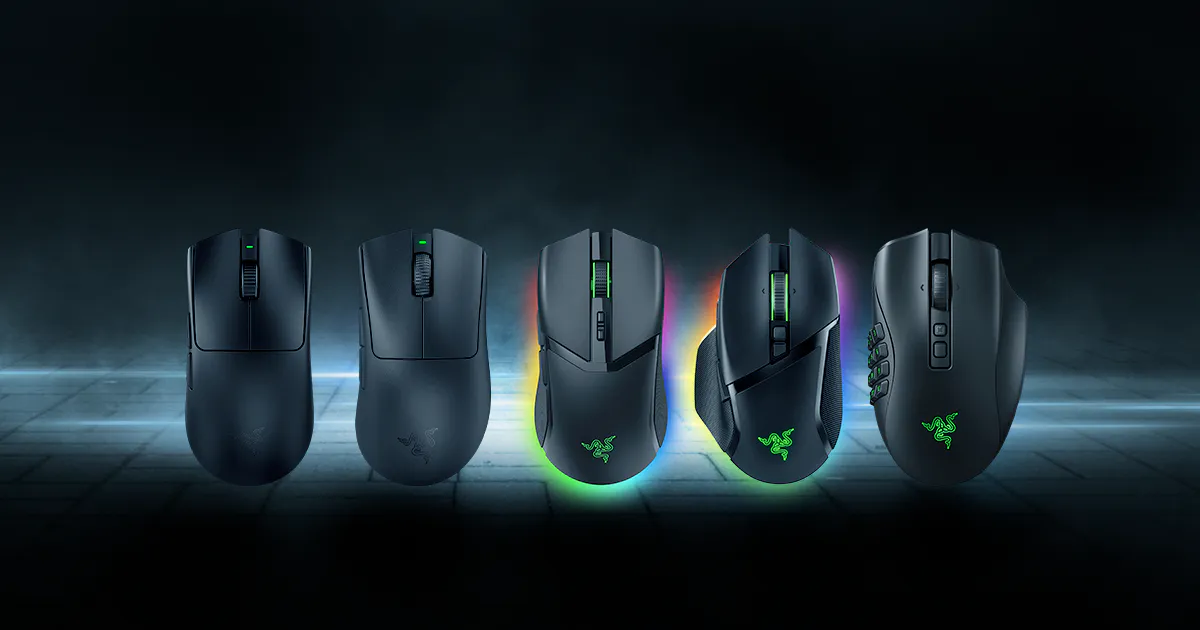
Let’s be real—gaming mice aren't cheap these days. Whether you’ve got a top-tier Logitech G Pro or a custom Razer setup, the last thing you want to do is break it. If you’re a fan of clicker games or you're automating repetitive office tasks, you’ve probably wondered: Can an auto clicker damage a mouse?
The short answer is a relief for your wallet, but there are some nuances you should know. In this guide, we’re looking at how automation actually interacts with your hardware in 2026 and why your mouse might actually be safer than you think.
---
To understand if there’s any risk, we have to look at the difference between virtual clicks and physical ones.
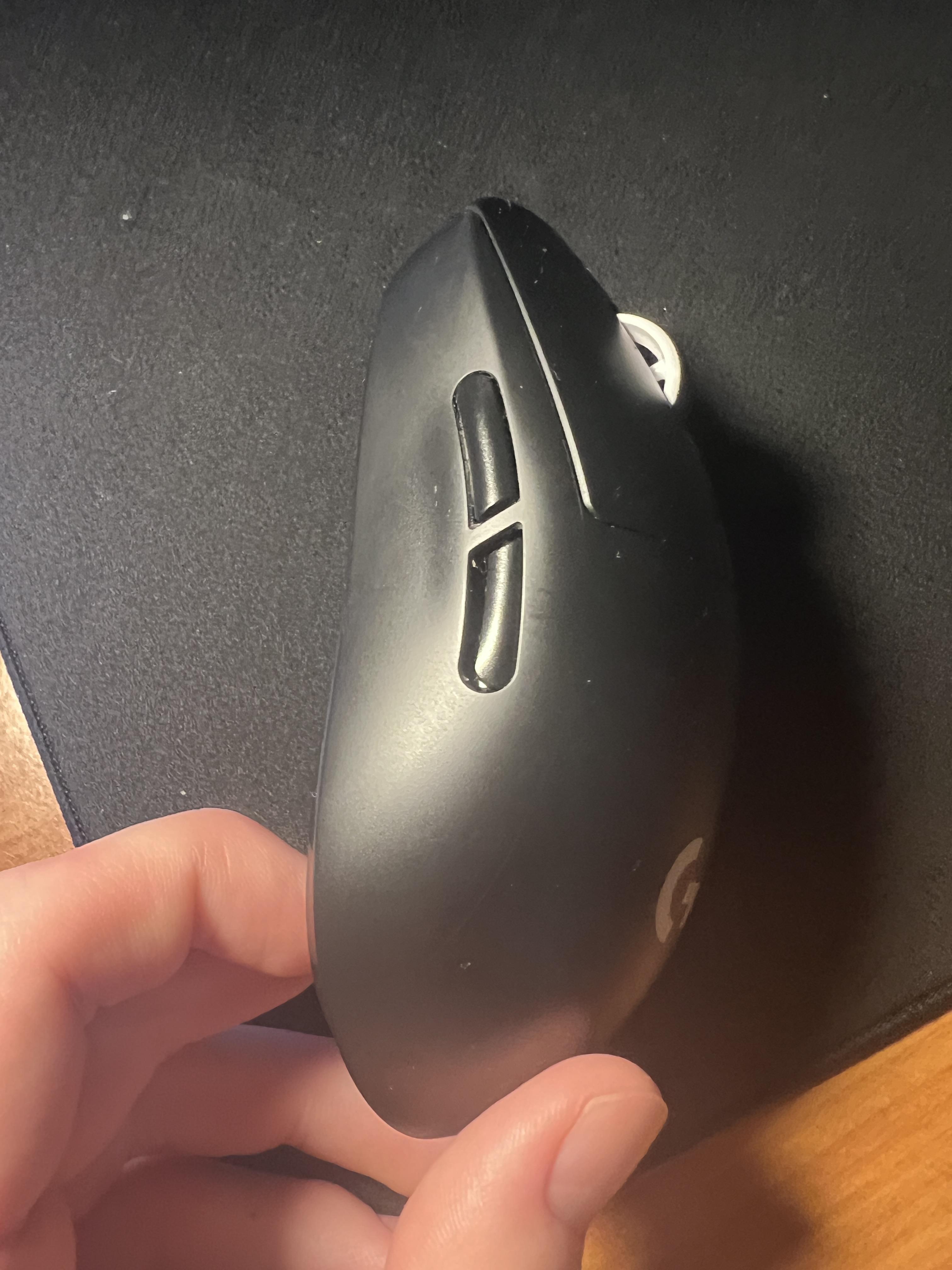
Crucially, the physical buttons on your mouse do not move. The internal mechanical spring and the copper leaf switch stay perfectly still. From your computer's perspective, the click is real, but your mouse is essentially 'sleeping' through the whole process.
---
Believe it or not, using a software auto clicker actually extends the life of your hardware. Every mouse has a 'click rating'—a limit on how many times that physical spring can flex before it snaps or starts double-clicking by accident:Standard Office Mice: 3 to 5 million clicks.
High-End Gaming Mice: 50 to 80 million clicks.
Optical Switch Mice: Virtually limitless, as they use light beams instead of metal contact.
When you click manually, you’re eating into that finite lifespan. When you use Auto Clicker - Automatic Tap, you’re using 0% of those mechanical cycles. You're letting the software take the hit while your expensive hardware stays fresh.
While your physical mouse is safe, 'damage' can happen in other ways if you aren't careful:
---
To keep your system running smooth and your accounts safe, follow these tips:
1. Download a Trusted Tool: Stick to reputable, lightweight apps like Auto Clicker - Automatic Tap to avoid malware. 2. Set a Realistic Speed: Try 50ms or 100ms. It’s plenty fast for most games and won't lag your CPU. 3. Always Use a Hotkey: Make sure you have a 'Stop' key (like F6) ready to go. If the clicker starts clicking something it shouldn't, you need to be able to kill it instantly. 4. Add Randomness: Never use a static number. A little 'jitter' in the timing makes the automation look human and prevents most automated bans.
So, can an auto clicker damage a mouse? If it’s software, the answer is a resounding no.
In fact, using Auto Clicker - Automatic Tap is one of the best ways to protect your hardware from the wear and tear of manual grinding. You get the efficiency of millions of clicks without putting a single mile on your mouse's physical switches. Just keep your intervals reasonable, use randomization to protect your game accounts, and let the software handle the heavy lifting. Your mouse—and your index finger—will thank you!
The short answer is a relief for your wallet, but there are some nuances you should know. In this guide, we’re looking at how automation actually interacts with your hardware in 2026 and why your mouse might actually be safer than you think.
---
How Auto Clickers Actually Work
To understand if there’s any risk, we have to look at the difference between virtual clicks and physical ones.
Software-Based Clicking
Apps like Auto Clicker - Automatic Tap are pure software. When you hit 'Start,' the app sends a digital signal directly to your operating system saying, 'A click just happened at these coordinates.'Crucially, the physical buttons on your mouse do not move. The internal mechanical spring and the copper leaf switch stay perfectly still. From your computer's perspective, the click is real, but your mouse is essentially 'sleeping' through the whole process.
Mechanical Auto Clickers
These are rare, physical devices that sit on top of your mouse and literally hammer the button with a motor. These can definitely cause damage. They put massive mechanical stress on the switch and can wear it out in days. But if you’re using an app, you’re in the clear.---
The Truth: It Might Actually Save Your Mouse
Believe it or not, using a software auto clicker actually extends the life of your hardware. Every mouse has a 'click rating'—a limit on how many times that physical spring can flex before it snaps or starts double-clicking by accident:
When you click manually, you’re eating into that finite lifespan. When you use Auto Clicker - Automatic Tap, you’re using 0% of those mechanical cycles. You're letting the software take the hit while your expensive hardware stays fresh.
The Real Risks (It’s Not the Hardware)
While your physical mouse is safe, 'damage' can happen in other ways if you aren't careful:
1. CPU Overload
Setting a clicker to 1ms (1,000 clicks per second) is like screaming at your processor. Each click is an 'interrupt' signal. If you go too fast, your PC might lag, hang, or crash. In 2026, most apps and games cap out at 60 clicks per second anyway, so 1ms is usually overkill and just wastes resources.2. Account Bans
This is the real 'damage.' Anti-cheat systems like Vanguard or Easy Anti-Cheat look for perfect, robotic clicking patterns. If you’re clicking exactly every 100.0ms for five hours, you’re getting banned. To stay safe, always use a tool like Auto Clicker - Automatic Tap that offers Randomized Intervals to mimic a human thumb.3. The 'Heat' Myth
Some people worry that rapid clicking will overheat the mouse. Since no electricity is physically flowing through the mechanical switches during a software-simulated click, your mouse stays cool. No extra heat is generated.---
Step-by-Step: Using Your Clicker Safely
To keep your system running smooth and your accounts safe, follow these tips:
1. Download a Trusted Tool: Stick to reputable, lightweight apps like Auto Clicker - Automatic Tap to avoid malware. 2. Set a Realistic Speed: Try 50ms or 100ms. It’s plenty fast for most games and won't lag your CPU. 3. Always Use a Hotkey: Make sure you have a 'Stop' key (like F6) ready to go. If the clicker starts clicking something it shouldn't, you need to be able to kill it instantly. 4. Add Randomness: Never use a static number. A little 'jitter' in the timing makes the automation look human and prevents most automated bans.
Conclusion: Your Mouse is Safe!
So, can an auto clicker damage a mouse? If it’s software, the answer is a resounding no.
In fact, using Auto Clicker - Automatic Tap is one of the best ways to protect your hardware from the wear and tear of manual grinding. You get the efficiency of millions of clicks without putting a single mile on your mouse's physical switches. Just keep your intervals reasonable, use randomization to protect your game accounts, and let the software handle the heavy lifting. Your mouse—and your index finger—will thank you!