
Can Auto Clicker Give You Viruses? A Comprehensive Guide to Staying Safe
Let’s be real—efficiency is king in 2026. Whether you're trying to max out your DPS in an RPG, stay active in a Roblox server, or automate a soul-crushing data entry task, an auto clicker is the ultimate sidekick. But as soon as you hit that download button, a nervous thought pops up: Can auto clicker give you viruses?
The short answer is: No, the software itself is not a virus, but the place you download it from can be.
In this 2026 security guide, we’re diving deep into the risks of automation tools, how to spot a fake, and the steps you need to take to ensure your device stays clean while you automate.
---
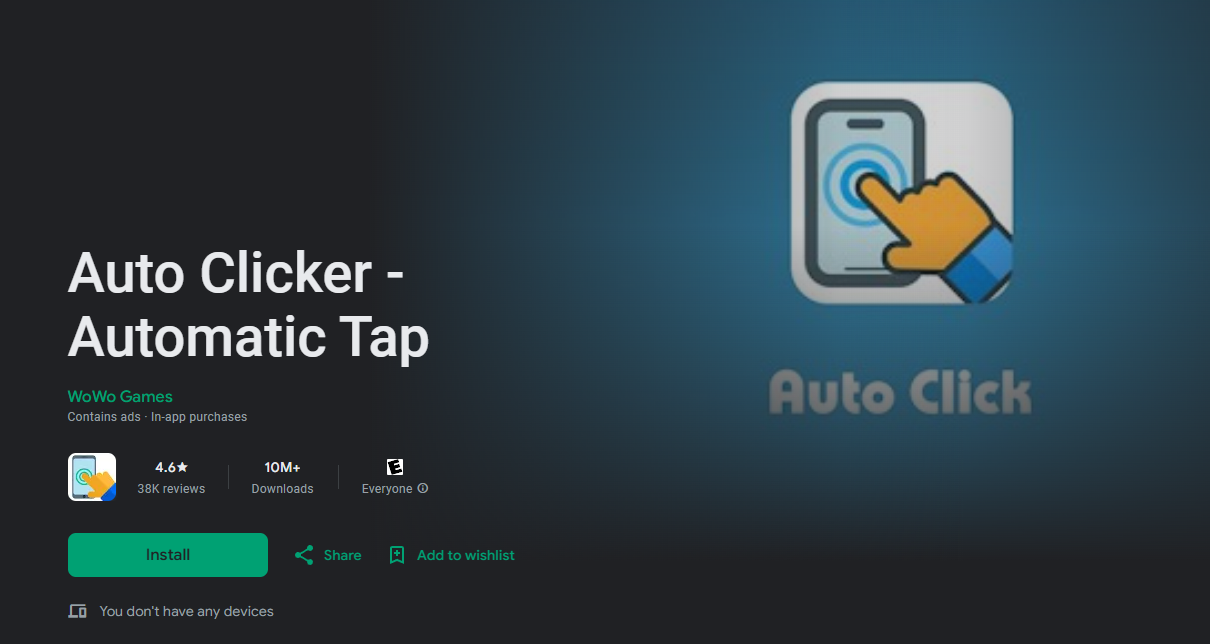
To understand the risks, you have to understand the tech. An auto clicker—like Auto Clicker - Automatic Tap—is a simple utility designed to simulate touch or click events. It interacts with your operating system to send signals without you lifting a finger.

Because these programs 'hook' into your system's input functions, antivirus software often flags them as suspicious. This is a 'False Positive.' Antivirus engines see the app taking control of the cursor and think, 'Wait, is this a Remote Access Trojan (RAT)?' While legitimate apps use this for your benefit, hackers often hide actual viruses inside fake versions of popular clickers.
While a trusted tool like Auto Clicker - Automatic Tap is safe, the internet is full of 'modded' or 'cracked' versions that are bad news. Here are the red flags to watch for in 2026:
---
Before you install anything, use this 2026 safety checklist to protect your gear:
---
Follow these steps to keep your 2026 automation experience secure:
1. Download from Official Channels: Use a well-known, high-rated app like Auto Clicker - Automatic Tap. 2. Run a Manual Scan: Before opening the app, use your device’s security suite (like Windows Defender or Play Protect) to run a quick scan. 3. Avoid 'Admin' or 'Root' Access: Most clickers don't need root or admin privileges. If an app insists on deep system access, it’s a major red flag. 4. Keep Everything Updated: Ensure your OS and security definitions are up to date to catch the latest 2026 threats.
So, can auto clicker give you viruses? The tool itself is a harmless time-saver, but the source matters more than anything. By sticking to official developers and avoiding 'modified' versions, you can enjoy the efficiency of automation without turning your device into a paperweight.
Stay vigilant, use reputable apps like Auto Clicker - Automatic Tap, and keep your data locked down. Safety first, clicking second!
The short answer is: No, the software itself is not a virus, but the place you download it from can be.
In this 2026 security guide, we’re diving deep into the risks of automation tools, how to spot a fake, and the steps you need to take to ensure your device stays clean while you automate.
---
How Auto Clickers Work (And Why Antivirus Hates Them)
To understand the risks, you have to understand the tech. An auto clicker—like Auto Clicker - Automatic Tap—is a simple utility designed to simulate touch or click events. It interacts with your operating system to send signals without you lifting a finger.
Because these programs 'hook' into your system's input functions, antivirus software often flags them as suspicious. This is a 'False Positive.' Antivirus engines see the app taking control of the cursor and think, 'Wait, is this a Remote Access Trojan (RAT)?' While legitimate apps use this for your benefit, hackers often hide actual viruses inside fake versions of popular clickers.
The Real Risks: When Automation Gets Dangerous
While a trusted tool like Auto Clicker - Automatic Tap is safe, the internet is full of 'modded' or 'cracked' versions that are bad news. Here are the red flags to watch for in 2026:
1. Malware Bundling
Shady third-party sites often wrap a legit clicker in an 'installer' that sneaks in adware or browser hijackers. If you don't read the fine print during setup, you might end up with more than you bargained for.2. Trojan Horses
Some sites offer 'Premium' or 'Ad-Free' versions of popular clickers for free. These are often Trojan horses. Once you open them, they might click for you while secretly logging your passwords or stealing your crypto wallet data in the background.3. Phishing Sites
Cybercriminals create fake 'official' homepages that look 100% real. When you download their file, you aren't getting a tool; you're getting a direct ticket to an infected device. Always check the URL before you click download!---
How to Identify a Safe Auto Clicker
Before you install anything, use this 2026 safety checklist to protect your gear:
1. Check the Permissions
On mobile, a safe clicker only needs 'Accessibility' permissions to tap for you. If an app asks for access to your contacts, photos, or microphone, delete it immediately. A reputable app like Auto Clicker - Automatic Tap only asks for what it strictly needs to function.2. Scan with VirusTotal
Unsure about a file? Upload it to VirusTotal. It scans the code against 70+ antivirus engines. If only one or two flag it as 'Generic' or 'PUP,' it’s likely a false positive. If ten or more flag it as a 'Trojan,' get rid of it fast.3. Trust the Official Store
Always download from the Google Play Store or the official developer site. Google Play Protect is your first line of defense against malicious code. Avoid 'cracked APKs' from random forums—they aren't worth the risk to your personal data.---
Step-by-Step: Staying Safe While You Automate
Follow these steps to keep your 2026 automation experience secure:
1. Download from Official Channels: Use a well-known, high-rated app like Auto Clicker - Automatic Tap. 2. Run a Manual Scan: Before opening the app, use your device’s security suite (like Windows Defender or Play Protect) to run a quick scan. 3. Avoid 'Admin' or 'Root' Access: Most clickers don't need root or admin privileges. If an app insists on deep system access, it’s a major red flag. 4. Keep Everything Updated: Ensure your OS and security definitions are up to date to catch the latest 2026 threats.
Conclusion: Should You Be Worried?
So, can auto clicker give you viruses? The tool itself is a harmless time-saver, but the source matters more than anything. By sticking to official developers and avoiding 'modified' versions, you can enjoy the efficiency of automation without turning your device into a paperweight.
Stay vigilant, use reputable apps like Auto Clicker - Automatic Tap, and keep your data locked down. Safety first, clicking second!