
Can I Get an Auto Clicker on iPad? The Ultimate Guide to iPadOS Automation
In the world of mobile gaming and high-efficiency productivity, the demand for automation tools is at an all-time high. Whether you are playing a resource-heavy clicker game like Roblox or Cookie Clicker, or you are trying to automate repetitive tasks for work, the question remains: Can I get an auto clicker on iPad?
The answer in 2026 is: Yes, but it is not as simple as downloading a traditional app. Unlike Android, which allows overlay apps like Auto Clicker - Automatic Tap to control other software, Apple’s iPadOS 19 uses a "walled garden" security philosophy that prevents one app from interacting with the user interface of another.
In this guide, we will explore the native solutions Apple provides, why you should avoid third-party "hacks," and how the latest 2026 updates have made automation safer than ever.
---
If you search the App Store for "Auto Clicker," you will find dozens of results. However, most of these are just specialized browsers or misleading utilities.
Apple’s sandboxing ensures that apps remain isolated. For a third-party app to click on another (like a game), it would need system-level permissions that Apple does not grant. This is a security measure to prevent malicious software from hijacking your device. However, Apple provides a powerful set of accessibility features designed for users with limited mobility—specifically Switch Control—which can be repurposed as a native auto clicker.
---
Switch Control is the only safe, reliable, and "native" way to get an auto clicker on an iPad without jailbreaking. With the integration of Apple Intelligence in 2026, setting up these shortcuts has become even more intuitive.
---
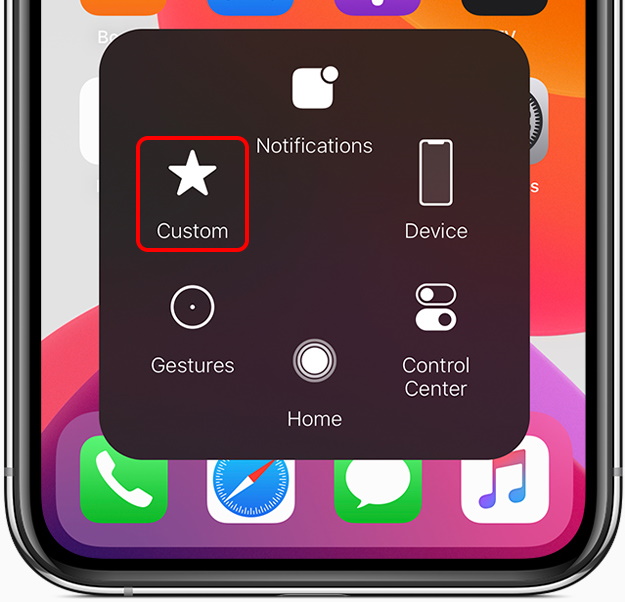
1. Open your game or app. 2. Triple-click the Top/Home button to activate Switch Control. 3. Tap the screen once. The iPad will now play back your entire recorded sequence. 4. Warning: iPadOS 19 queues these commands. If you tap the screen 10 times, and your recipe has 20 clicks, the iPad will click 200 times. Avoid over-tapping, or you may have to wait minutes for it to stop!
---
We strongly advise against "Auto Clicker Pro" IPA files or third-party stores for three reasons:Security Risks: These often require you to "Trust" a developer profile, giving strangers potential access to your data.
Jailbreaking: Tools that require jailbreaking void your warranty and leave you vulnerable to 2026-era malware.
Account Bans: Native features like Switch Control are harder for games to detect as "cheating" compared to unauthorized third-party code.
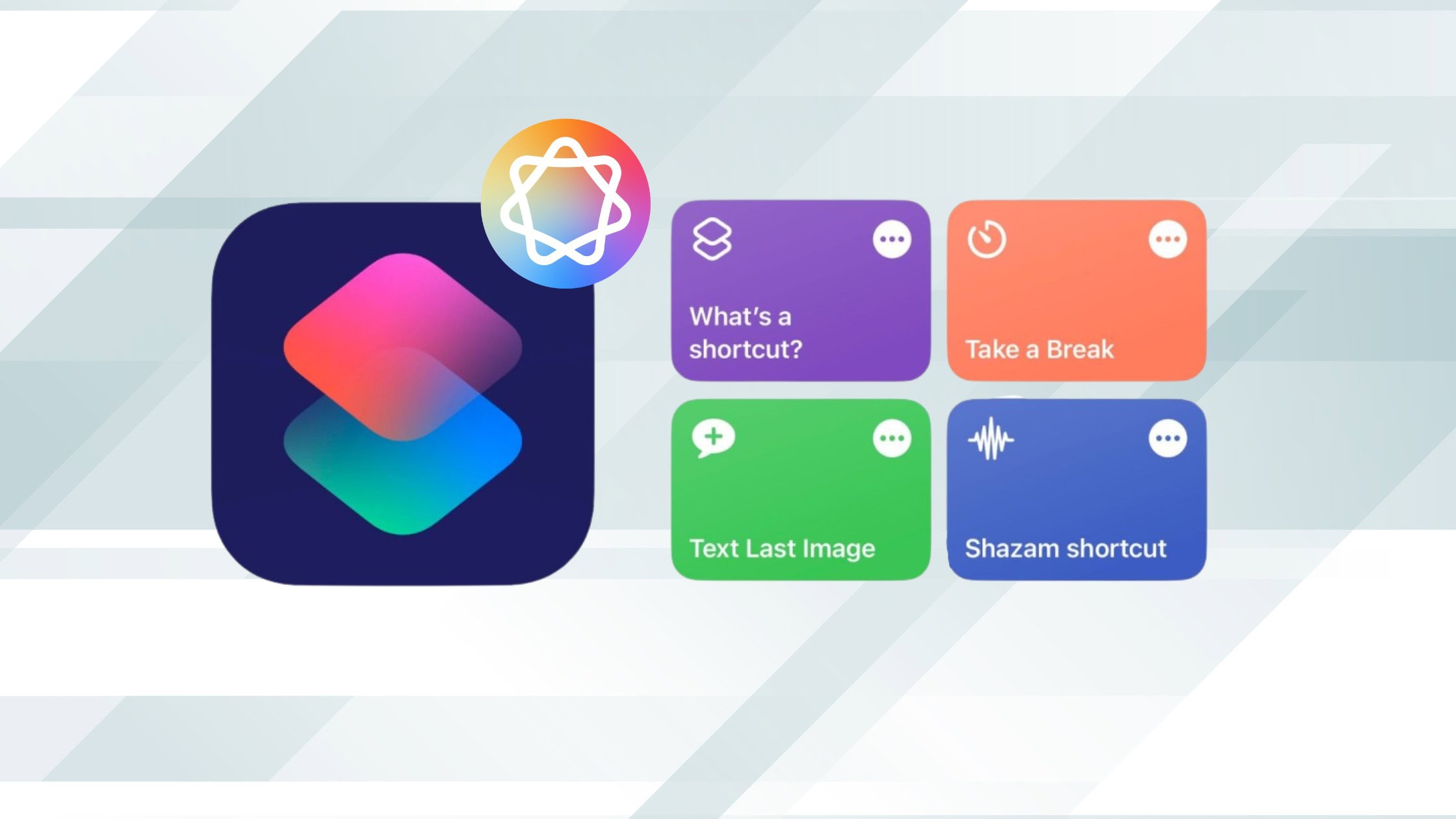
In 2026, the Shortcuts app has been supercharged with Apple Intelligence. While it cannot simulate rapid-fire taps inside a 3rd-party game as fast as Switch Control, it can now analyze on-screen content and perform "Intelligent Actions." For professional tasks like data entry or form filling, using AI-powered Shortcuts is often more effective than a simple clicker.
While you cannot download a simple auto clicker app for iPad like you can on Android with Auto Clicker - Automatic Tap, Apple’s Switch Control provides a robust, safe alternative. By mastering the Recipe system, you can automate your favorite games without compromising your security. Let your iPad do the heavy lifting while you focus on the strategy!
The answer in 2026 is: Yes, but it is not as simple as downloading a traditional app. Unlike Android, which allows overlay apps like Auto Clicker - Automatic Tap to control other software, Apple’s iPadOS 19 uses a "walled garden" security philosophy that prevents one app from interacting with the user interface of another.
In this guide, we will explore the native solutions Apple provides, why you should avoid third-party "hacks," and how the latest 2026 updates have made automation safer than ever.
---
Why Traditional Auto Clickers Don’t Exist on the App Store
If you search the App Store for "Auto Clicker," you will find dozens of results. However, most of these are just specialized browsers or misleading utilities.
Apple’s sandboxing ensures that apps remain isolated. For a third-party app to click on another (like a game), it would need system-level permissions that Apple does not grant. This is a security measure to prevent malicious software from hijacking your device. However, Apple provides a powerful set of accessibility features designed for users with limited mobility—specifically Switch Control—which can be repurposed as a native auto clicker.
---
The Solution: Using Switch Control in 2026
Switch Control is the only safe, reliable, and "native" way to get an auto clicker on an iPad without jailbreaking. With the integration of Apple Intelligence in 2026, setting up these shortcuts has become even more intuitive.
Step-by-Step Guide: Setting Up Your iPad Auto Clicker
Step 1: Create a New Switch
1. Open Settings > Accessibility > Switch Control. 2. Select Switches > Add New Switch.... 3. Choose Screen > Full Screen > Select Item.Step 2: Create the Auto Clicker Recipe
1. Go back to Switch Control > Recipes > Create New Recipe. 2. Name it "Auto Clicker 2026." 3. Tap Assign a Switch > Full Screen > Custom Gesture.Step 3: Recording the Clicks
1. On the gray recording screen, tap the exact spot where you want the auto-clicks to happen. 2. Tip: You can record up to 10 seconds of rapid tapping. Once finished, tap Save.Step 4: Launching Automation
1. In the Recipes menu, tap Launch Recipe and select "Auto Clicker 2026." 2. Go to Accessibility > Accessibility Shortcut and select Switch Control. Now, you can toggle it by triple-clicking the Top Button (or Home button).---
How to Use the iPad Auto Clicker Safely
1. Open your game or app. 2. Triple-click the Top/Home button to activate Switch Control. 3. Tap the screen once. The iPad will now play back your entire recorded sequence. 4. Warning: iPadOS 19 queues these commands. If you tap the screen 10 times, and your recipe has 20 clicks, the iPad will click 200 times. Avoid over-tapping, or you may have to wait minutes for it to stop!
---
Is it Safe to Use Third-Party Apps?
We strongly advise against "Auto Clicker Pro" IPA files or third-party stores for three reasons:
2026 Automation: Apple Intelligence & Shortcuts
In 2026, the Shortcuts app has been supercharged with Apple Intelligence. While it cannot simulate rapid-fire taps inside a 3rd-party game as fast as Switch Control, it can now analyze on-screen content and perform "Intelligent Actions." For professional tasks like data entry or form filling, using AI-powered Shortcuts is often more effective than a simple clicker.
Conclusion
While you cannot download a simple auto clicker app for iPad like you can on Android with Auto Clicker - Automatic Tap, Apple’s Switch Control provides a robust, safe alternative. By mastering the Recipe system, you can automate your favorite games without compromising your security. Let your iPad do the heavy lifting while you focus on the strategy!