
Can You Get an Auto Clicker on iPad? The Ultimate Guide for 2026
If you have ever spent hours grinding in a mobile game or performing repetitive tasks on your tablet, you have likely wondered: "Can you get an auto clicker on iPad?" This is a top query for 2026 gamers—especially those playing Roblox, Cookie Clicker, or Zenless Zone Zero—and professionals streamlining their workflows.
The short answer is: Yes, but it is not a traditional app you download from the App Store. Because of Apple’s 'walled garden' security, third-party apps cannot control your screen directly. However, using native accessibility tools or 2026-gen hardware, you can achieve perfect automation.
---
Apple prioritizes security above all else. For an app to click on other apps, it would require 'Overlay' permissions that Apple restricts to prevent 'tap-jacking' (malicious apps clicking your bank account or settings). In 2026, with the launch of iPadOS 19 and 20, these security layers are even tighter, meaning you should avoid any 'modded' apps that promise system-wide clicking without using Apple's own tools.
---
Switch Control remains the only native, safe, and 'jailbreak-free' way to automate clicks on an iPad. Follow these updated 2026 steps:
---
If Switch Control feels too limited (it only records 10 taps per recipe), the 2026 market for physical screen tappers has exploded. These are silent, electronic devices that clip onto your iPad.
Capacitive Mapping Technology: Unlike old mechanical tappers, 2026 models use capacitive pulses, meaning they are 100% silent and won't damage your screen.
Adjustable Speed: Many now offer up to 108 adjustable speeds, reaching 'inhuman' speeds that software cannot safely achieve on iOS.
Multi-Point Support: You can now buy 5-head sets to automate complex games like Simulators or Tiktok Live rewards.
[Image showing a sleek 2026 wireless physical auto clicker attached to an iPad Pro screen]
---
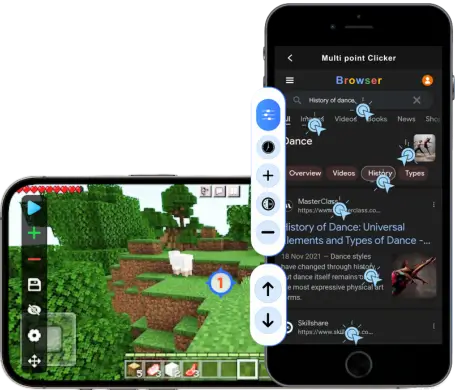
Searching the App Store will show apps like Auto Clicker: Automatic Tap App. In 2026, these are mostly 'In-App Browsers.'
What they do: They allow you to automate tasks only inside their own private browser (useful for web-based games or refreshing slots).
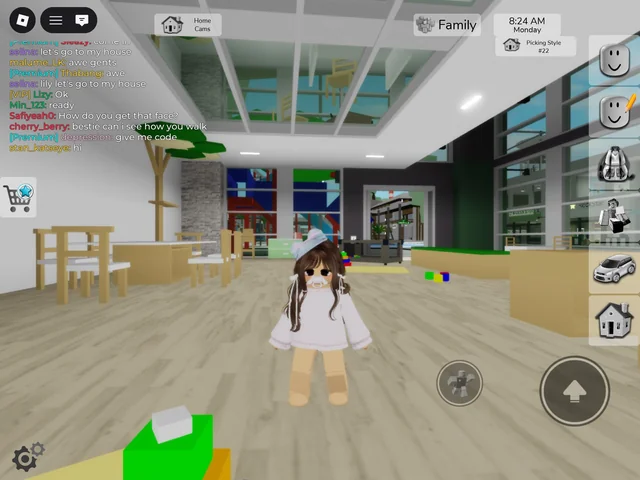
What they don't do: They cannot click inside the official Roblox or Genshin Impact apps.
Safety Warning: Never install a 'Configuration Profile' from a website claiming to unlock an auto clicker. These can bypass your iPad's security and compromise your data.
Can you get an auto clicker on iPad? Yes. For internal app automation, use the Switch Control method. For high-speed, unlimited clicking in 2026, a physical capacitive tapper is the professional choice. Always remember to use these tools responsibly and respect the Terms of Service of the games you play!
The short answer is: Yes, but it is not a traditional app you download from the App Store. Because of Apple’s 'walled garden' security, third-party apps cannot control your screen directly. However, using native accessibility tools or 2026-gen hardware, you can achieve perfect automation.
---
Why Traditional Auto Clickers Aren't on the App Store
Apple prioritizes security above all else. For an app to click on other apps, it would require 'Overlay' permissions that Apple restricts to prevent 'tap-jacking' (malicious apps clicking your bank account or settings). In 2026, with the launch of iPadOS 19 and 20, these security layers are even tighter, meaning you should avoid any 'modded' apps that promise system-wide clicking without using Apple's own tools.
---
How to Set Up an iPad Auto Clicker Using Switch Control
Switch Control remains the only native, safe, and 'jailbreak-free' way to automate clicks on an iPad. Follow these updated 2026 steps:
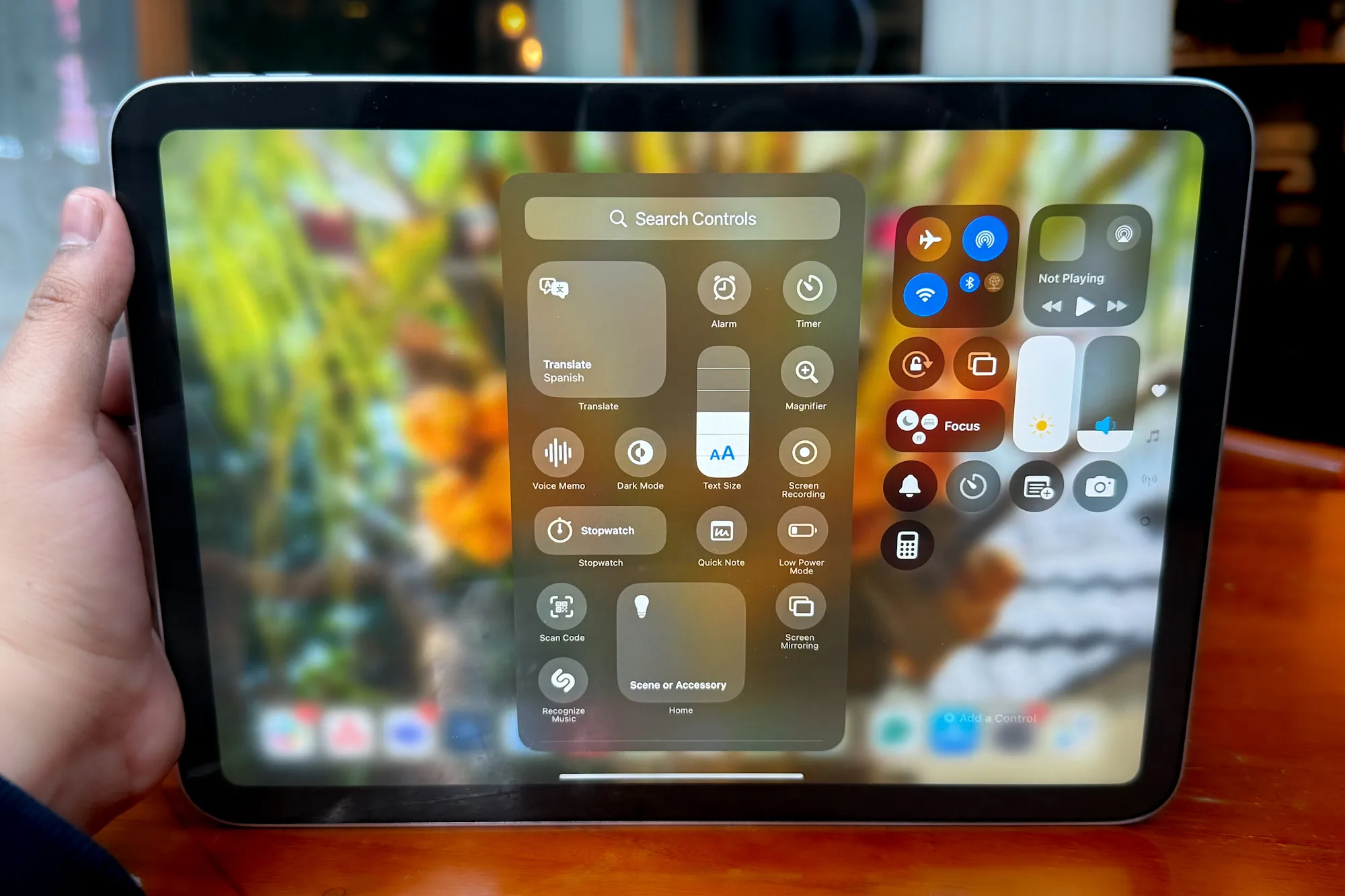
Step 1: Access Accessibility Settings
Open Settings > Accessibility > Switch Control. Ensure 'Tap Behavior' is set to Auto Tap for the smoothest experience.Step 2: Create Your Trigger (The Switch)
1. Tap Switches > Add New Switch.... 2. Select Screen > Full Screen. 3. Choose Tap as the action.Step 3: Build the "Recipe"
A 'Recipe' is your recorded clicking pattern. 1. Go to Recipes > Create New Recipe. 2. Name it "2026 Clicker." 3. Tap Assign a Switch > Full Screen > Custom Gesture. 4. Pro Tip: Rotate your iPad to the exact orientation of your game before recording. Tap exactly where you need the clicker to hit, then tap Save.Step 4: Launch and Toggle
1. In the Recipes menu, select your new recipe under Launch Recipe. 2. Go back to Accessibility > Accessibility Shortcut and check Switch Control. 3. To Activate: Triple-click the Top/Power button. Now, every time you tap the screen, the iPad will execute your recorded sequence. Tapping rapidly several times will 'bank' clicks so you can step away.---
The 2026 Hardware Alternative: Physical Auto Clickers
If Switch Control feels too limited (it only records 10 taps per recipe), the 2026 market for physical screen tappers has exploded. These are silent, electronic devices that clip onto your iPad.
[Image showing a sleek 2026 wireless physical auto clicker attached to an iPad Pro screen]
---
Are App Store 'Auto Clickers' Safe?
Searching the App Store will show apps like Auto Clicker: Automatic Tap App. In 2026, these are mostly 'In-App Browsers.'
Safety Warning: Never install a 'Configuration Profile' from a website claiming to unlock an auto clicker. These can bypass your iPad's security and compromise your data.
Conclusion
Can you get an auto clicker on iPad? Yes. For internal app automation, use the Switch Control method. For high-speed, unlimited clicking in 2026, a physical capacitive tapper is the professional choice. Always remember to use these tools responsibly and respect the Terms of Service of the games you play!