
Can an Auto Clicker Get You Banned in Roblox? The Ultimate Safety Guide for 2026
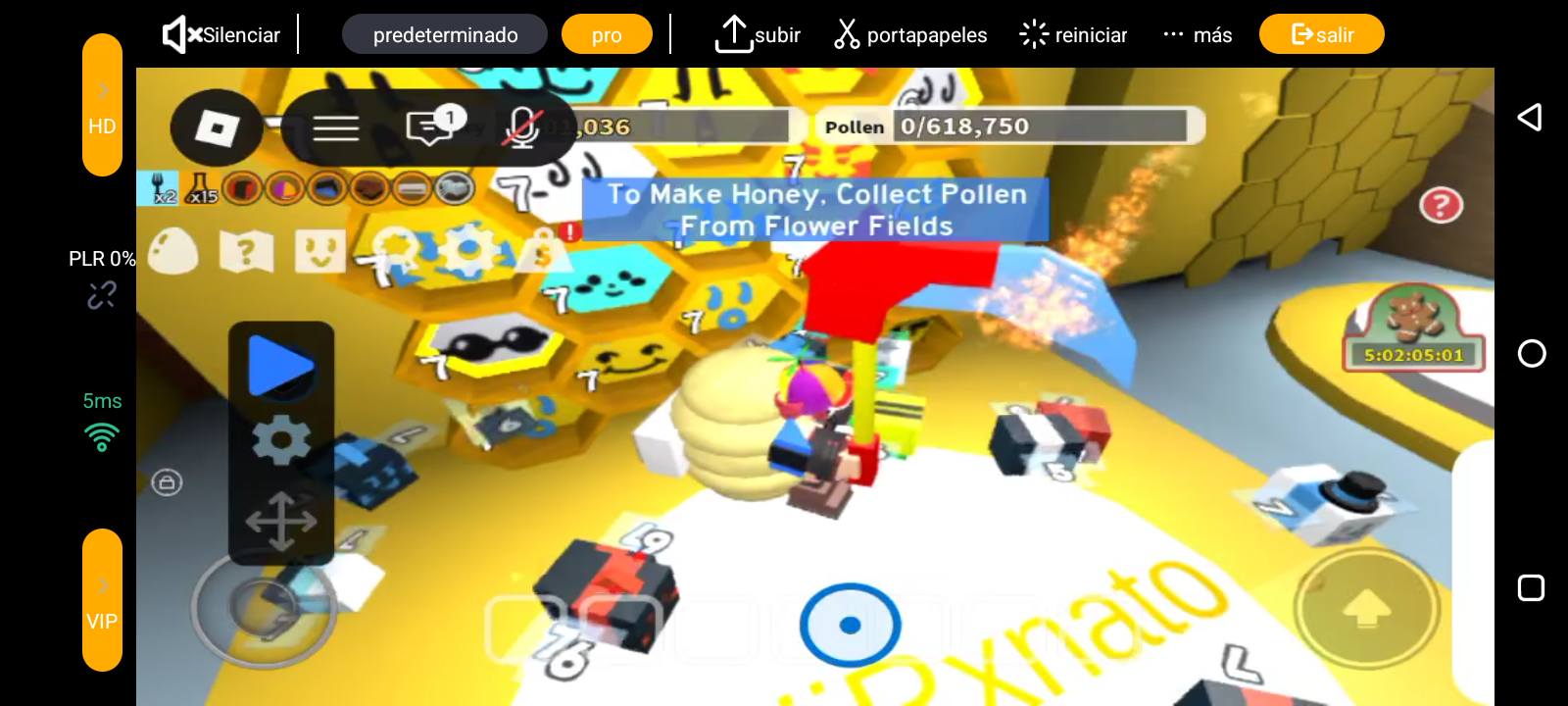
Let’s be honest—if you’ve spent any time in the Roblox ecosystem lately, you know that games like Bee Swarm Simulator or Pet Simulator 99 are basically click-fests. Whether you're farming coins or just trying not to get kicked for being idle, your fingers (and your screen) are taking a beating. This leads to the big question in 2026: Can an auto clicker get you banned in Roblox?
The short answer is: It depends on the 'what' and the 'how.' In this guide, we’ll break down Roblox’s current stance, how their anti-cheat works, and the best ways to keep your account safe while automating the grind.
---
Before you worry about a ban, you need to know what Roblox actually looks for. There's a massive difference between a simple tapper and a game-breaking hack.
---
Roblox’s Terms of Service are intentionally broad. They generally ban anything that gives an 'unfair advantage.' However, in 2026, Roblox rarely issues platform-wide bans for simple external clickers. Since these apps operate outside the game client, they are incredibly hard for Hyperion to flag with 100% certainty.
Perfect Intervals: Tapping exactly every 10.0ms for six hours is a red flag.
The 20-Minute Kick: Roblox boots you for being AFK. While a clicker stops the kick, some games check if you're actually moving your character or just clicking in one spot.
In these cases, a developer might 'kick' you or ban you from their specific game. You won't lose your whole Roblox account, but you could lose all your progress in that simulator.
---
If you're going to use Auto Clicker - Automatic Tap, follow these pro tips to stay under the radar:
Can an auto clicker get you banned in Roblox? Theoretically, yes. Practically? It’s very rare as long as you aren't using 'scripts' that inject code.
By using a reputable, standalone app like Auto Clicker - Automatic Tap and following the safety tips—like using human-like intervals and checking in on your character—you can enjoy the benefits of automation without losing your hard-earned progress. Just stay smart, keep it 'human,' and happy farming!
The short answer is: It depends on the 'what' and the 'how.' In this guide, we’ll break down Roblox’s current stance, how their anti-cheat works, and the best ways to keep your account safe while automating the grind.
---
Clickers vs. Exploits: Know the Difference
Before you worry about a ban, you need to know what Roblox actually looks for. There's a massive difference between a simple tapper and a game-breaking hack.
1. Standard Auto Clickers
A mobile tool like Auto Clicker - Automatic Tap is an external utility. It sits 'on top' of your screen and mimics a human touch. It doesn't touch the Roblox game code or mess with its memory. To your phone, it just looks like you're tapping really fast.2. Exploits and Scripts
These are the real 'ban-magnets.' Programs that inject code to let you fly, teleport, or auto-buy items are direct violations of the TOS. These are the primary targets of Hyperion (Byfron), Roblox’s heavy-duty anti-cheat engine. If you're staying away from these, you're already in a much safer spot.---
Does the Roblox TOS Prohibit Auto Clickers?
Roblox’s Terms of Service are intentionally broad. They generally ban anything that gives an 'unfair advantage.' However, in 2026, Roblox rarely issues platform-wide bans for simple external clickers. Since these apps operate outside the game client, they are incredibly hard for Hyperion to flag with 100% certainty.
The Real Threat: Game-Specific Bans
While Roblox might not ban you, individual game developers might. Popular simulators often have their own 'bot-watching' logic. They look for:In these cases, a developer might 'kick' you or ban you from their specific game. You won't lose your whole Roblox account, but you could lose all your progress in that simulator.
---
How to Use an Auto Clicker Safely (2026 Strategy)
If you're going to use Auto Clicker - Automatic Tap, follow these pro tips to stay under the radar:
1. Use Randomized Intervals
This is your best defense. Instead of tapping every 100ms exactly, use the 'Randomize' feature. This makes the app tap at 98ms, then 105ms, then 102ms. This mimicry of human inconsistency is much harder for automated scripts to catch.2. Set Realistic Speeds
Don't set it to 1ms. It'll likely lag your phone and scream 'I am a bot' to the server. A setting of 100ms to 300ms is perfect for most games and looks way more natural.3. The 'Anti-AFK' Move
Don't just stand there. Every 15-20 minutes, move your character slightly. Some advanced AFK trackers look for character movement, not just screen taps. If you're using Auto Clicker - Automatic Tap, you can even set up a multi-target mode to tap the 'move' joystick occasionally.4. Use Private Servers
If you're farming AFK, do it in a Private Server. Other players are the most common source of reports. In a private space, you can grind in peace without being spotted by a 'report-happy' player or a wandering moderator.Conclusion: The Final Verdict
Can an auto clicker get you banned in Roblox? Theoretically, yes. Practically? It’s very rare as long as you aren't using 'scripts' that inject code.
By using a reputable, standalone app like Auto Clicker - Automatic Tap and following the safety tips—like using human-like intervals and checking in on your character—you can enjoy the benefits of automation without losing your hard-earned progress. Just stay smart, keep it 'human,' and happy farming!