
Can I Make Move Mouse Auto Click a Key? The Ultimate Guide to Keyboard Automation
In the world of productivity and digital automation, simulating user activity is a game-changer. Whether you're preventing a workstation from sleeping during a 2026 data render or automating repetitive tasks in a legacy app, Move Mouse is a staple for professionals.
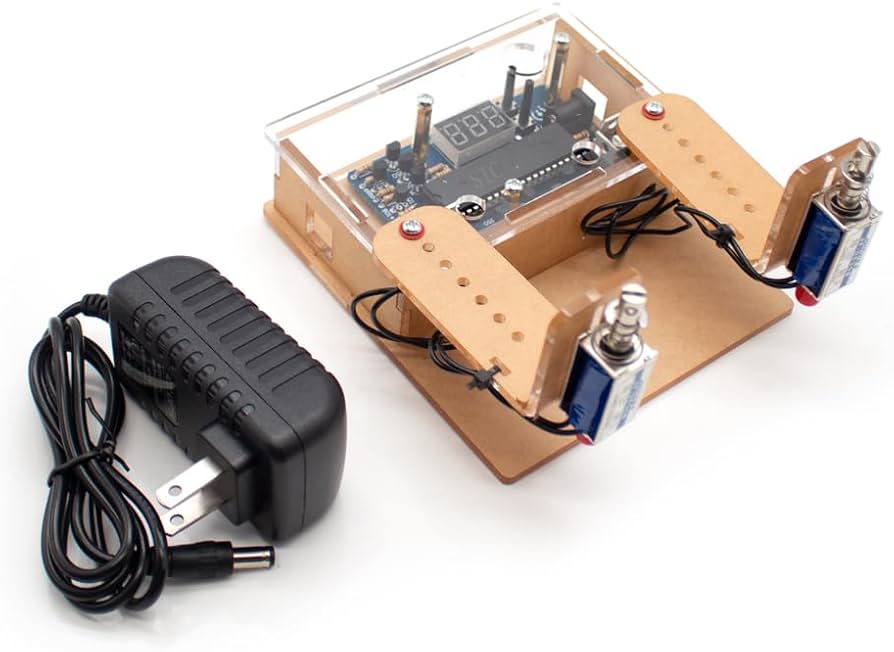
One of the most frequent questions is: "Can I make Move Mouse auto click a key?"
While the name implies it's strictly for cursor movement, the answer is more nuanced. With the right configuration, you can absolutely extend its functionality to include keyboard inputs. In this guide, we’ll explore how to achieve this using the latest 2026 workflows.
---
Move Mouse is an open-source Windows utility designed to keep sessions active. By default, its interface focuses on "Mouse" jitter and clicks. However, to make it "auto-click a key," you need to utilize the Actions or Scripts tab.
Bypass 'Active' Monitoring: Some corporate apps monitor keyboard input specifically, ignoring simple mouse movement.
Refresh Dashboards: Automatically pressing 'F5' to keep data feeds current.
Gaming: Triggering a specific ability in an idle game while AFK.
---
To bridge the gap between mouse movement and keyboard automation, we use a simple PowerShell snippet. This is the most reliable method for Windows users in 2026.
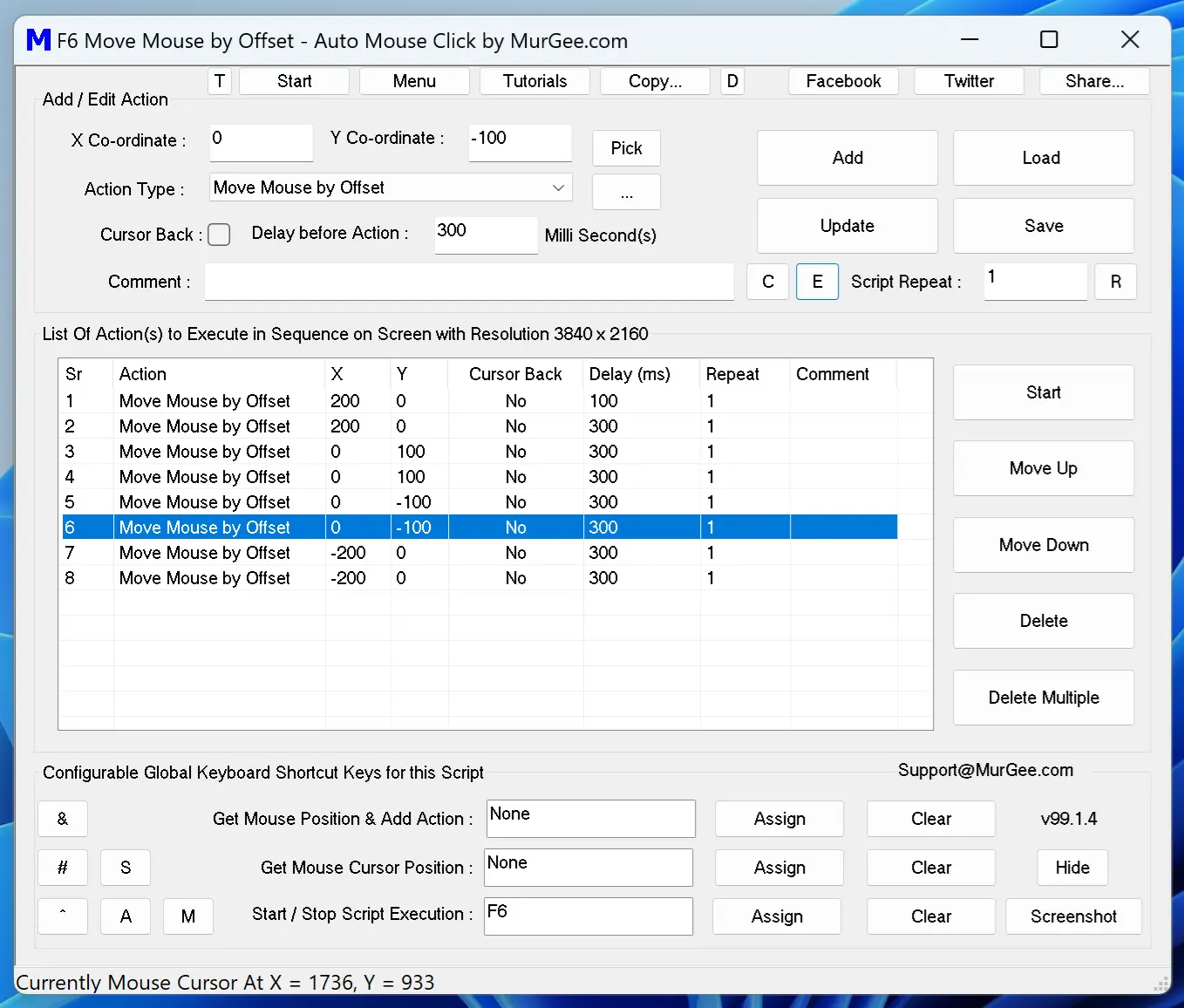
Save this file as
2. Enable "Execute a script." 3. Point the file path to your
4. Set your Interval. For most 'stay-awake' tasks, once every 60 seconds is plenty.
---
If you are looking for this functionality on a mobile device or via an emulator in 2026, Move Mouse isn't the right fit. Instead, apps like Auto Clicker - Automatic Tap offer a much more intuitive Multi-Target Mode. You can place a 'tap' target over an on-screen keyboard button to simulate key presses without needing to write PowerShell code.
[Image showing Auto Clicker - Automatic Tap floating menu with targets placed over a mobile keyboard]
While powerful, using PowerShell scripts within Move Mouse has downsides:Window Focus: The
No Logic: It operates on a timer and cannot detect if a specific window or error message is present on the screen.
Anti-Cheat: In competitive gaming,
---
Randomize Your Timing: If your software allows, add some 'jitter' to the intervals. Perfectly timed clicks are a red flag for IT monitoring tools.
Safety First: Never use automation for tasks involving sensitive data or financial transactions.
Consider Dedicated Tools: For complex keyboard macros, AutoHotkey remains the gold standard, though it has a steeper learning curve than Move Mouse.
While Move Mouse doesn't have a big "Auto Key" button, it is fully capable of clicking a key through its script execution feature. For 2026 professionals, the PowerShell method provides a perfect balance of simplicity and effectiveness. If you're on mobile, stick to a dedicated tool like Auto Clicker - Automatic Tap. Automate the boring stuff and get back to what matters!
One of the most frequent questions is: "Can I make Move Mouse auto click a key?"
While the name implies it's strictly for cursor movement, the answer is more nuanced. With the right configuration, you can absolutely extend its functionality to include keyboard inputs. In this guide, we’ll explore how to achieve this using the latest 2026 workflows.
---
Understanding Move Mouse and Key Simulation
Move Mouse is an open-source Windows utility designed to keep sessions active. By default, its interface focuses on "Mouse" jitter and clicks. However, to make it "auto-click a key," you need to utilize the Actions or Scripts tab.
Why Automate a Key Press?
---
How to Make Move Mouse Auto Click a Key: Step-by-Step
To bridge the gap between mouse movement and keyboard automation, we use a simple PowerShell snippet. This is the most reliable method for Windows users in 2026.
Step 1: Create Your Script
Open Notepad and paste this code to simulate the "F15" key (a 'keep-alive' key that has no default function, making it safe for work):$wshell = New-Object -ComObject WScript.Shell;
$wshell.SendKeys('{F15}')
Save this file as
keypress.ps1 in a folder you can easily find.Step 2: Link the Script to Move Mouse
1. Open Move Mouse and navigate to the Scripts or Actions tab.2. Enable "Execute a script." 3. Point the file path to your
keypress.ps1 file.4. Set your Interval. For most 'stay-awake' tasks, once every 60 seconds is plenty.
Step 3: Test the Output
Click "Start." To verify it's working, you can temporarily change{F15} to {CAPSLOCK} in your script. If your keyboard light toggles, the automation is active!---
Mobile Alternatives: Auto Clicker - Automatic Tap
If you are looking for this functionality on a mobile device or via an emulator in 2026, Move Mouse isn't the right fit. Instead, apps like Auto Clicker - Automatic Tap offer a much more intuitive Multi-Target Mode. You can place a 'tap' target over an on-screen keyboard button to simulate key presses without needing to write PowerShell code.
[Image showing Auto Clicker - Automatic Tap floating menu with targets placed over a mobile keyboard]
Limitations of the Move Mouse Method
While powerful, using PowerShell scripts within Move Mouse has downsides:
SendKeys command sends input to whichever window is currently active. If you click away, your key press might land in the wrong app.SendKeys is easily detected by systems like BattleEye.---
Best Practices for 2026 Automation
Conclusion
While Move Mouse doesn't have a big "Auto Key" button, it is fully capable of clicking a key through its script execution feature. For 2026 professionals, the PowerShell method provides a perfect balance of simplicity and effectiveness. If you're on mobile, stick to a dedicated tool like Auto Clicker - Automatic Tap. Automate the boring stuff and get back to what matters!