
Can You Get an Auto Clicker on iPhone? The Ultimate Guide for iOS Users
In the world of mobile gaming and high-frequency app usage, efficiency is king. Whether you are trying to level up in a mobile RPG, win a click-based contest, or automate a repetitive task, the question inevitably arises: Can u get an auto clicker on iPhone?
The answer in 2026 is a resounding yes, but it requires a different approach than Android. Because Apple maintains a secure 'walled garden,' you won't find a traditional app that clicks inside other games. Instead, you must use native iOS features or specialized 2026-gen hardware. In this guide, we will explore the safest ways to achieve auto-clicking on your iPhone.
---
Switch Control is a powerful accessibility feature that can be 'repurposed' as a native auto clicker. Since it’s built into iOS, it’s 100% safe, requires no third-party downloads, and works across most apps.
1. Enable the Shortcut: Go to Settings > Accessibility > Accessibility Shortcut and select Switch Control. Now, triple-clicking the side button will toggle the tool.
2. Define the Switch: Navigate to Settings > Accessibility > Switch Control > Switches. Tap Add New Switch > Screen > Full Screen > Tap.
3. Create the 'Recipe': Go to Recipes > Create New Recipe. Name it 'Auto Clicker.' Tap Assign a Switch > Full Screen > Custom Gesture.
4. Record Your Pattern: Tap the screen rapidly where you want the clicker to hit. Save the gesture.
5. Launch the Recipe: In the Recipes menu, select your 'Auto Clicker' under Launch Recipe.
To Use: Open your game and triple-click the side button. Every tap you make now will execute your recorded pattern multiple times. Tapping the screen 10 times will 'bank' those clicks, letting the phone run autonomously while you step away.
---
If you search the App Store in 2026, you will see apps like Auto Click - Auto Clicker app. These are Specialized Browsers.
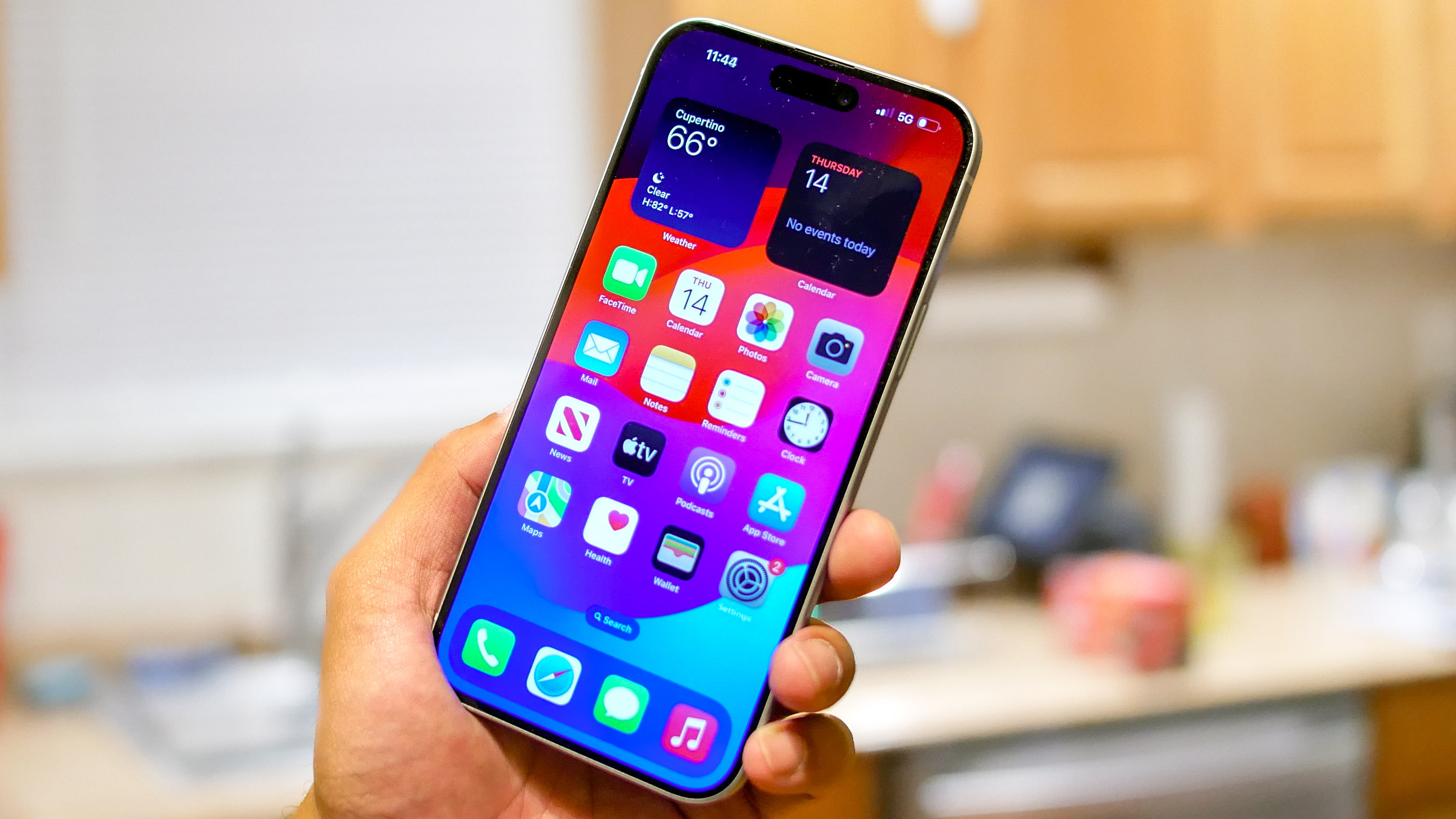
How they work: They allow you to automate clicks only inside their own internal browser window. This is perfect for web-based games or refreshing slots.
The Limitation: They cannot click inside standalone apps like Roblox or Pokémon GO due to Apple's sandboxing security.
---
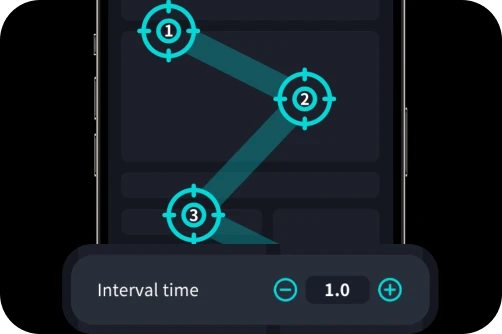
For hardcore gamers who need 24/7 clicking without touching the screen, 2026 has seen the rise of Physical Capacitive Auto Clickers. These are small, silent electronic devices that clip onto your iPhone screen.
Hands-Free & Silent: 2026 models feature built-in batteries and capacitive pulses that mimic a human finger.
Since no software is installed, these are virtually invisible to in-game anti-cheat systems.
High Speed: These can achieve up to 50 clicks per second, far exceeding the speed of software-based gestures.
[Image showing a sleek 2026 physical auto clicker clipped onto an iPhone 17 Pro screen]
---
Game Bans: Even with native tools, perfectly rhythmic clicks can trigger behavioral AI filters. Use Switch Control patterns with slight timing variations to stay safe.
Overheating: Continuous screen activity generates heat. Avoid running long sessions while your iPhone is charging, especially on MagSafe, to preserve your battery life.
Can u get an auto clicker on iPhone? Yes. For most users, the native Switch Control method is the perfect, free solution. If you need professional-grade, unlimited clicking in 2026, a physical capacitive tapper is the ultimate choice. Always automate responsibly and respect the rules of the games you love!
The answer in 2026 is a resounding yes, but it requires a different approach than Android. Because Apple maintains a secure 'walled garden,' you won't find a traditional app that clicks inside other games. Instead, you must use native iOS features or specialized 2026-gen hardware. In this guide, we will explore the safest ways to achieve auto-clicking on your iPhone.
---
The Native Solution: iOS Switch Control
Switch Control is a powerful accessibility feature that can be 'repurposed' as a native auto clicker. Since it’s built into iOS, it’s 100% safe, requires no third-party downloads, and works across most apps.
Step-by-Step: Setting Up Switch Control as an Auto Clicker
1. Enable the Shortcut: Go to Settings > Accessibility > Accessibility Shortcut and select Switch Control. Now, triple-clicking the side button will toggle the tool.
2. Define the Switch: Navigate to Settings > Accessibility > Switch Control > Switches. Tap Add New Switch > Screen > Full Screen > Tap.
3. Create the 'Recipe': Go to Recipes > Create New Recipe. Name it 'Auto Clicker.' Tap Assign a Switch > Full Screen > Custom Gesture.
4. Record Your Pattern: Tap the screen rapidly where you want the clicker to hit. Save the gesture.
5. Launch the Recipe: In the Recipes menu, select your 'Auto Clicker' under Launch Recipe.
To Use: Open your game and triple-click the side button. Every tap you make now will execute your recorded pattern multiple times. Tapping the screen 10 times will 'bank' those clicks, letting the phone run autonomously while you step away.
---
Third-Party Apps: 'Auto Clicker Browsers'
If you search the App Store in 2026, you will see apps like Auto Click - Auto Clicker app. These are Specialized Browsers.
---
The 2026 Hardware Alternative: Physical Tappers
For hardcore gamers who need 24/7 clicking without touching the screen, 2026 has seen the rise of Physical Capacitive Auto Clickers. These are small, silent electronic devices that clip onto your iPhone screen.
[Image showing a sleek 2026 physical auto clicker clipped onto an iPhone 17 Pro screen]
---
Risks and Battery Health
Conclusion
Can u get an auto clicker on iPhone? Yes. For most users, the native Switch Control method is the perfect, free solution. If you need professional-grade, unlimited clicking in 2026, a physical capacitive tapper is the ultimate choice. Always automate responsibly and respect the rules of the games you love!