
Are Auto Clickers Allowed in Clicker Heroes? The Ultimate Guide to Game Automation
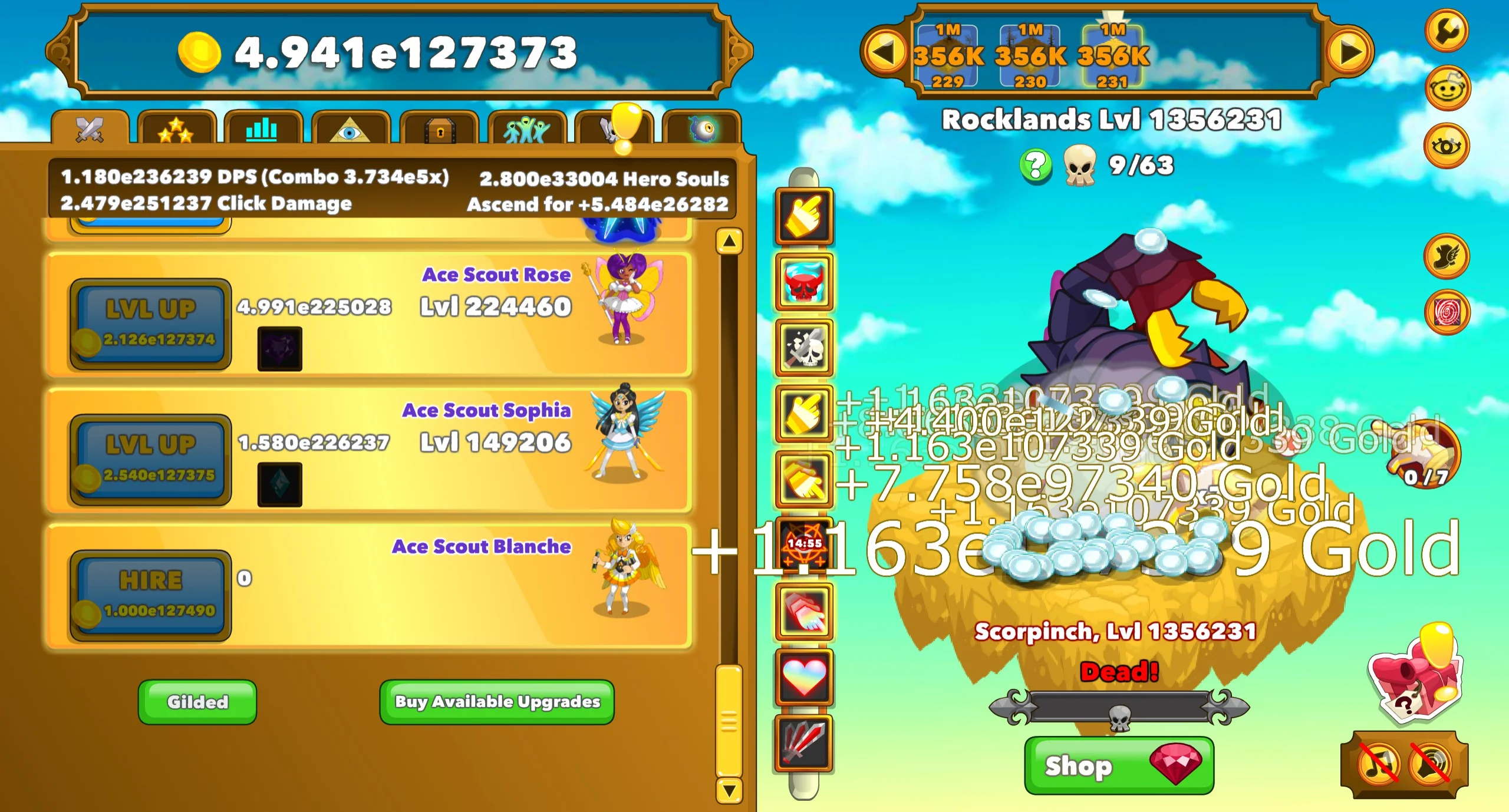
If you’ve spent any real time in Clicker Heroes, you know the game live up to its name—initially, anyway. In the early zones, your progress depends entirely on how fast you can mash your screen. But as you hit the thousands, the physical toll on your thumbs is undeniable. This leads every player to the same big question: Are auto clickers allowed in Clicker Heroes?
In this guide, we’re diving into the developers' actual stance on automation, the difference between the built-in robots and external apps, and how to optimize your run in 2026 without breaking the game.
The short answer is yes. In the Clicker Heroes community, using an auto clicker isn't just allowed; it’s basically expected. Unlike competitive shooters where automation is a bannable offense, Clicker Heroes is a single-player incremental game.
Playsaurus, the devs behind the game, have always been pretty chill about external software. They realize that clicking thousands of times per minute isn't sustainable for a human being. There is no anti-cheat system designed to ban you for using a clicking app on your phone.
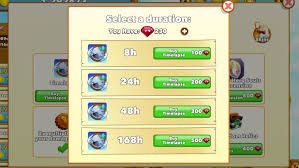
While external apps are tolerated, the devs eventually added their own solution: In-Game Autoclickers. You buy these with Rubies (the premium currency you can earn by tapping those clickable fish).
The Good:100% Legit: They are part of the game’s intended balance.
Offline Progress: They often count toward your damage even when the app is closed or in the background.
The Bad:Pricey: They cost a lot of Rubies, and the price goes up with every one you buy.
Fixed Speed: They have a set click rate, whereas an external tool can be tuned much higher.
Many veteran players use a dedicated mobile app like Auto Clicker - Automatic Tap alongside the in-game options. Here’s why that’s a pro move:
You might want to set your clicker to 1,000 taps a second, but Clicker Heroes has an engine limit. The game generally caps out at about 40 clicks per second (CPS).
If you set your app to 100 CPS, the game won't register the extra 60. In fact, going too fast can actually cause the game to lag or crash. For the best results in 2026, set your interval in Auto Clicker - Automatic Tap to around 25ms to 30ms. This keeps you right at the peak efficiency without lagging your phone.
If you’re ready to push for Zone 1M, follow these steps:
1. Positioning: Place your target over the monster area on the right side of the screen. 2. Set the Interval: Go for 25ms to 40ms for the best balance of speed and stability. 3. The 'Level Up' Trick: If you have an in-game clicker, put it on your main Hero. Use Auto Clicker - Automatic Tap on the monster. This way, you’re dealing max damage and leveling up at the same time. 4. Stop Triggers: Make sure you know how to toggle your app off quickly if you need to navigate menus or buy new heroes.
To be clear: No. There are no recorded cases of players being banned for using a standard auto clicker. The devs know that as the game scales, automation is the only way to keep progressing. In fact, the 'Juggernaut' ancient practically begs you to use a clicker to maintain those massive damage multipliers.
When it comes to Clicker Heroes, auto clickers aren't 'cheating'—they’re a strategy. Whether you rely on the official in-game robots or a powerful mobile utility like Auto Clicker - Automatic Tap, automation lets you focus on the fun stuff, like hero gilding and ancient leveling, rather than the literal pain of tapping.
By staying near the 40 CPS limit and using these tools wisely, you can enjoy the satisfying climb of Clicker Heroes without the risk of a broken screen or a sore thumb. Happy tapping!
In this guide, we’re diving into the developers' actual stance on automation, the difference between the built-in robots and external apps, and how to optimize your run in 2026 without breaking the game.
The Short Answer: Is It Allowed?
The short answer is yes. In the Clicker Heroes community, using an auto clicker isn't just allowed; it’s basically expected. Unlike competitive shooters where automation is a bannable offense, Clicker Heroes is a single-player incremental game.
Playsaurus, the devs behind the game, have always been pretty chill about external software. They realize that clicking thousands of times per minute isn't sustainable for a human being. There is no anti-cheat system designed to ban you for using a clicking app on your phone.
The Official Fix: In-Game Autoclickers
While external apps are tolerated, the devs eventually added their own solution: In-Game Autoclickers. You buy these with Rubies (the premium currency you can earn by tapping those clickable fish).
How the In-Game Helpers Work
Once you buy one, you can drag it onto the monster to deal damage or onto a hero’s 'Level Up' button.The Good:
The Bad:
External Apps vs. In-Game Tools
Many veteran players use a dedicated mobile app like Auto Clicker - Automatic Tap alongside the in-game options. Here’s why that’s a pro move:
1. Dominating the 'Active' Build
If you're running an Active build with ancients like Fragsworth and Juggernaut, you need a high combo count. An external tool can hit the game's internal 'click cap' much more reliably than a single in-game robot, helping you reach zones that an Idle build could never touch.2. Saving Your Screen
Constant high-speed tapping isn't just hard on your hands; it’s hard on your phone’s screen. Using Auto Clicker - Automatic Tap handles the input through the software, saving your hardware from unnecessary wear and tear.The Speed Limit: How Fast Should You Go?
You might want to set your clicker to 1,000 taps a second, but Clicker Heroes has an engine limit. The game generally caps out at about 40 clicks per second (CPS).
If you set your app to 100 CPS, the game won't register the extra 60. In fact, going too fast can actually cause the game to lag or crash. For the best results in 2026, set your interval in Auto Clicker - Automatic Tap to around 25ms to 30ms. This keeps you right at the peak efficiency without lagging your phone.
Step-by-Step: Setting Up for Success
If you’re ready to push for Zone 1M, follow these steps:
1. Positioning: Place your target over the monster area on the right side of the screen. 2. Set the Interval: Go for 25ms to 40ms for the best balance of speed and stability. 3. The 'Level Up' Trick: If you have an in-game clicker, put it on your main Hero. Use Auto Clicker - Automatic Tap on the monster. This way, you’re dealing max damage and leveling up at the same time. 4. Stop Triggers: Make sure you know how to toggle your app off quickly if you need to navigate menus or buy new heroes.
Will You Get Banned?
To be clear: No. There are no recorded cases of players being banned for using a standard auto clicker. The devs know that as the game scales, automation is the only way to keep progressing. In fact, the 'Juggernaut' ancient practically begs you to use a clicker to maintain those massive damage multipliers.
Conclusion
When it comes to Clicker Heroes, auto clickers aren't 'cheating'—they’re a strategy. Whether you rely on the official in-game robots or a powerful mobile utility like Auto Clicker - Automatic Tap, automation lets you focus on the fun stuff, like hero gilding and ancient leveling, rather than the literal pain of tapping.
By staying near the 40 CPS limit and using these tools wisely, you can enjoy the satisfying climb of Clicker Heroes without the risk of a broken screen or a sore thumb. Happy tapping!