
Can I Use an Auto Clicker in Roblox? The Ultimate Safety & Usage Guide
If you've spent any time playing Roblox, you know that the platform's most popular games often involve repetitive tasks. Whether you're swinging a sword in a combat simulator, hatching eggs, or just trying to stay active for 'AFK rewards,' the physical strain is real. This leads to the big question: Can I use an auto clicker in Roblox?
The short answer in 2026 is yes, but with caveats. While Roblox's anti-cheat systems have evolved, auto clickers remain a staple for millions. In this guide, we’ll dive into the 2026 rules, the impact of Hyperion (Byfron), and how to automate safely.
---
Roblox’s Terms of Use (updated April 30, 2026) strictly prohibit 'exploiting'—usually defined as injecting code to gain an unfair advantage. However, auto clickers are external tools that simulate human input.
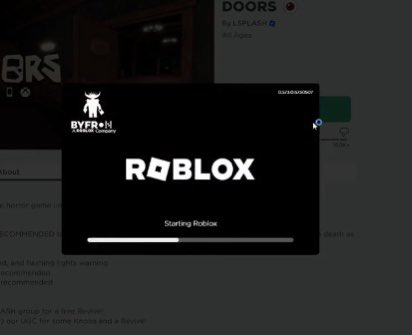
Roblox generally does not issue platform-wide bans for simple auto-clicking in simulators. However, the anti-cheat system Hyperion is now more sensitive to 'inhuman' input speeds. If you're clicking 500 times per second, the system may flag your session for 'unauthorized automation.'
---
While Roblox Corporation might ignore your clicker, individual game developers might not.
In-Game Anti-Cheats: Many developers in 2026 use custom scripts to detect high Clicks Per Second (CPS). If a game finds you clicking at a perfect, rhythmic interval for 5 hours, it may kick you or issue a server-specific ban.
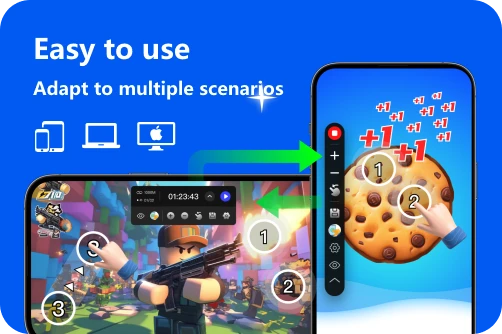
Hyperion Detection: In 2026, Hyperion can detect virtual mouse drivers. Using a reputable, lightweight tool like Auto Clicker - Automatic Tap or OP Auto Clicker is safer than using unverified scripts or executors.
---
To keep your account secure while grinding, follow these 2026 best practices:
For AFK Prevention: Set the interval to 60 seconds. This is plenty to keep you logged in without triggering any sensors.
For Grinding: Set the interval between 100ms and 500ms. This mimics a fast human finger and won't crash your game client.
---
Private Servers: If a game offers free private servers, use them. Most bans come from other players reporting you. If you're alone, you're 99% safer.
Avoid PvP Modes: Never use a clicker in competitive games like BedWars or Arsenal. This is considered cheating by the community and will get you reported immediately.
Monitor Your Device: Extended auto-clicking can heat up your mobile device or laptop. Keep your device on a cool surface and lower your screen brightness.
Can you use an auto clicker in Roblox? Yes, and it’s a vital tool for the simulator genre. However, with the 2026 security updates, being 'smart' about your automation is key. Use reputable software, stick to reasonable speeds, and respect the rules of competitive games. By following this guide, you can maximize your gains without putting your years of Roblox progress at risk!
The short answer in 2026 is yes, but with caveats. While Roblox's anti-cheat systems have evolved, auto clickers remain a staple for millions. In this guide, we’ll dive into the 2026 rules, the impact of Hyperion (Byfron), and how to automate safely.
---
Roblox’s 2026 Stance on Auto Clickers
Roblox’s Terms of Use (updated April 30, 2026) strictly prohibit 'exploiting'—usually defined as injecting code to gain an unfair advantage. However, auto clickers are external tools that simulate human input.
Roblox generally does not issue platform-wide bans for simple auto-clicking in simulators. However, the anti-cheat system Hyperion is now more sensitive to 'inhuman' input speeds. If you're clicking 500 times per second, the system may flag your session for 'unauthorized automation.'
---
The Risks: Game Bans vs. Platform Bans
While Roblox Corporation might ignore your clicker, individual game developers might not.
---
How to Use an Auto Clicker for Roblox Safely
To keep your account secure while grinding, follow these 2026 best practices:
1. Choose a Reputable Tool
Avoid 'hacked' or 'pro' versions from shady websites. OP Auto Clicker 3.0 remains the gold standard for PC, while Auto Clicker - Automatic Tap is the top choice for mobile players using emulators or cloud gaming.2. Set a 'Human-Like' Interval
Don't set your interval to 0 or 1ms.3. Use Randomization
High-quality 2026 clickers feature a Randomize setting. Instead of clicking every exactly 100ms, it will click at 98ms, then 105ms. This 'jitter' makes your activity look human to behavioral anti-cheats.---
Best Practices for AFK Grinding
Conclusion: The Final Verdict
Can you use an auto clicker in Roblox? Yes, and it’s a vital tool for the simulator genre. However, with the 2026 security updates, being 'smart' about your automation is key. Use reputable software, stick to reasonable speeds, and respect the rules of competitive games. By following this guide, you can maximize your gains without putting your years of Roblox progress at risk!